
Most GE Opal ice maker problems come from blocked water flow, a full bin, poor cleaning, or a needed reset.
GE Opal ice makers make chewable nugget ice, but even a good machine can stop working, leak, or show a warning light. This GE Opal ice maker troubleshooting guide explains the common causes and safe fixes in simple steps. You will also learn when a reset helps, when cleaning is needed, and when professional service is the better choice.
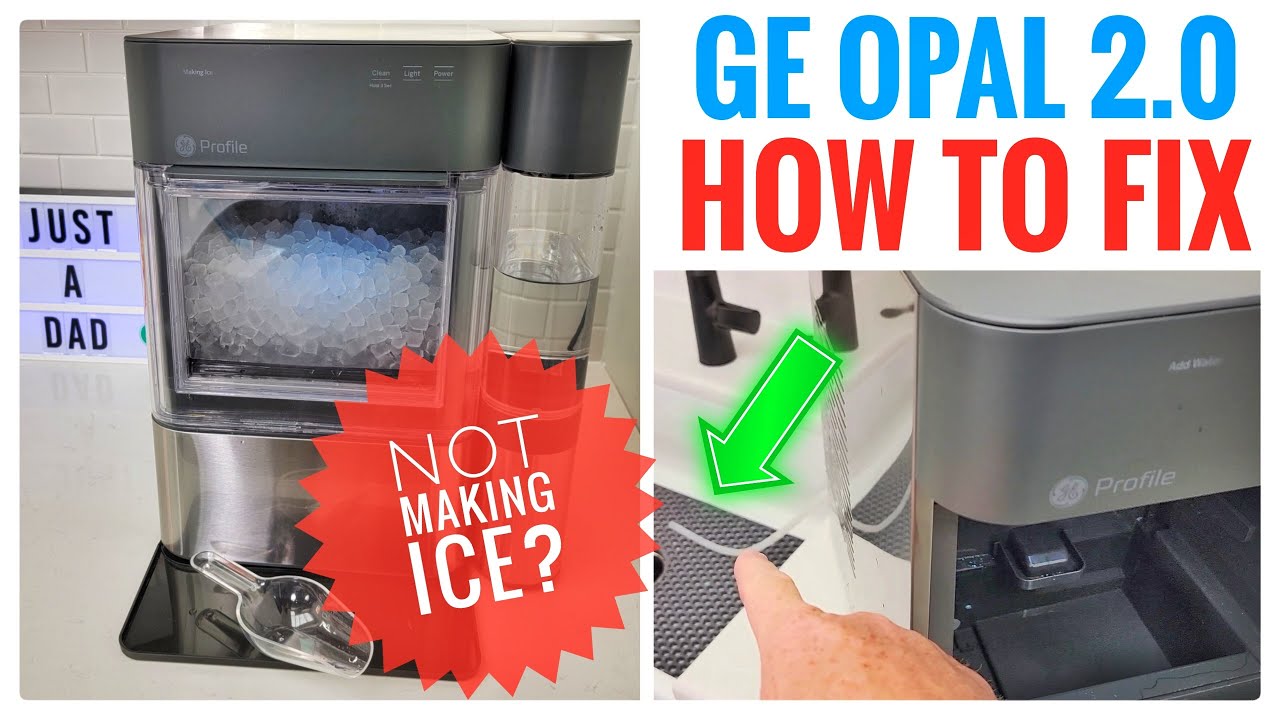
Start with basic GE Opal ice maker troubleshooting
Before opening the machine or testing parts, check the simple causes. Many Opal problems are not major failures. A loose plug, low water level, blocked filter, or full ice bin can stop production.
Use this quick inspection:
• Confirm that the power cord is firmly connected to a working outlet.
• Check that the water reservoir has enough clean water.
• Make sure the ice bin sits in the correct position.
• Remove ice blocking the opening or the ice-detecting area.
• Check that the machine is on a level surface.
• Look for leaks, unusual sounds, or a burning smell.
If the unit has just been moved, let it stand upright before turning it on. This gives the refrigerant system time to settle. GE commonly recommends allowing a recently transported appliance to rest before use.
In my experience, people often skip this basic check and start taking the machine apart. That can turn a small setup issue into a damaged wire, loose sensor, or warranty problem.

Why your GE Opal ice maker is not making ice
A GE Opal ice maker may run but fail to produce ice for several reasons. The most common issue is not enough water reaching the ice-making system. A dirty filter, poor connection, or blocked water path can reduce the flow.
Check these areas first:
Water level and reservoir placement
Fill the reservoir to the marked line. Do not overfill it. Then place the reservoir firmly on the base so the water outlet lines up correctly.
If the reservoir is not seated well, the pump may not draw water. The machine may sound like it is working, but no ice will form.
Water filter and inlet screen
Some Opal models use a side tank or water filter. A clogged filter can slow water flow. Replace the filter based on the instructions for your model, especially if the water tastes odd or production has fallen.
If your model has an inlet screen, inspect it for mineral buildup. Hard water can leave scale that acts like a thin wall inside the water path.
Ice bin and sensors
The Opal uses sensors to detect ice level. If ice piles up around the sensor area, the unit may think the bin is full.
Remove the ice and wipe the sensor area with a soft, dry cloth. Avoid using sharp tools. A scratch or broken sensor can create a larger repair.
Room temperature
The machine works best in a cool indoor space with good air movement. A hot kitchen, direct sunlight, or a crowded counter can slow ice production.
Do not place the unit beside an oven, air fryer, radiator, or dishwasher. Heat makes the compressor work harder and may reduce performance.
GE Opal ice maker troubleshooting for a slow ice cycle
A normal ice cycle takes time. The first batch may take longer because the machine must cool the system and fill the internal water area. After that, production should become more regular.
If the cycle is unusually slow, follow these steps:
-
Turn off the Opal and unplug it.
-
Empty the ice bin and water reservoir.
-
Clean the bin, reservoir, and internal ice chute.
-
Check the filter and replace it if needed.
-
Move the machine away from heat and allow air around the sides.
-
Plug it back in and run a fresh cycle.
Do not expect instant ice after a reset. The unit may need several minutes before the compressor starts. It may also need more time if the room is warm or the water is very cold.
One mistake I see often is adding ice from another appliance to the Opal bin. This can confuse the ice sensor and block the ice-making area. Use the bin only for ice made by the Opal unless the product instructions say otherwise.
GE Opal ice maker cleaning and descaling
Cleaning is one of the most important parts of GE Opal ice maker troubleshooting. Mineral deposits can affect the pump, water lines, sensors, and ice quality. A dirty machine may also produce cloudy ice or ice with an odd taste.
Follow your model’s cleaning instructions first. The exact process may vary between Opal, Opal 2.0, and models with a side tank.
A general cleaning routine includes:
• Unplug the machine before cleaning the outside or removable parts.
• Remove the ice bin, water reservoir, and side tank if your model has one.
• Wash removable parts with warm water and mild dish soap.
• Wipe the inside with a soft cloth.
• Use the approved cleaning or descaling solution listed in the product instructions.
• Run the cleaning cycle if your model provides one.
• Rinse the system with fresh water as directed.
• Run one or more rinse cycles before making ice for drinking.
Never use bleach, abrasive powders, steel wool, or harsh drain cleaners unless GE specifically approves the product. These chemicals may damage parts or leave unsafe residue.
The water quality in your home matters. Hard water creates scale faster, so homes with hard water may need more frequent cleaning. If you notice white flakes, a sour smell, or a drop in production, clean the machine rather than waiting for a complete failure.

How to reset a GE Opal ice maker
A reset can clear a temporary control or sensor problem. It will not repair a failed pump, compressor, circuit board, or damaged sensor, but it is a safe first step.
Try this basic GE Opal ice maker troubleshooting reset:
-
Turn the machine off.
-
Unplug it from the wall.
-
Remove the ice bin and water reservoir.
-
Wait at least 30 seconds.
-
Reinstall the reservoir and bin.
-
Plug the machine into a direct wall outlet.
-
Turn it on and allow time for a new cycle.
Some models have a dedicated reset or cleaning button. The button location and timing can differ, so check the owner’s manual for your exact model. Avoid pressing random button combinations found online because the process may vary.
If the machine resets but stops again soon after, look for the cause. A repeated warning usually points to low water, a blocked sensor, a dirty water path, or a mechanical fault.

GE Opal ice maker blinking light meanings
A blinking light does not always mean the machine is broken. It usually tells you that the unit needs attention, but the meaning depends on the model and light color.
Common causes include:
• A full ice bin
• An empty or poorly seated reservoir
• A blocked ice chute
• A cleaning cycle that is needed
• A water filter that needs replacement
• A startup or reset process
Check the label near the light and compare it with the model’s manual. Do not assume that every blinking light has the same meaning across all GE Opal models.
If the light continues after you fill the reservoir, clear the bin, and reset the machine, unplug it again. Record the light pattern and contact GE support or an appliance technician. A clear description helps the technician identify the likely fault faster.
What to do when a GE Opal ice maker is leaking
A small amount of water may appear during filling or cleaning, but continuous leaking needs attention. Start by finding where the water begins.
Check the following:
Reservoir and side tank
Make sure the reservoir is not cracked and that its cap is secure. Inspect the side tank connection for a loose fitting or damaged seal.
Drain plug
Some models have a drain plug or drain hose. Confirm that it is closed and seated correctly. A loose drain plug can cause water to collect under the appliance.
Countertop position
The unit must sit level. If it tilts, water may move toward the wrong channel and spill over.
Internal blockage
Mineral scale can block a water path and force water into another area. Cleaning may help, but do not remove sealed panels to reach internal tubing.
Unplug the machine if water reaches the power cord, outlet, or control area. Dry the surrounding surface and do not use the appliance until it is safe. Electricity and standing water are a serious hazard.
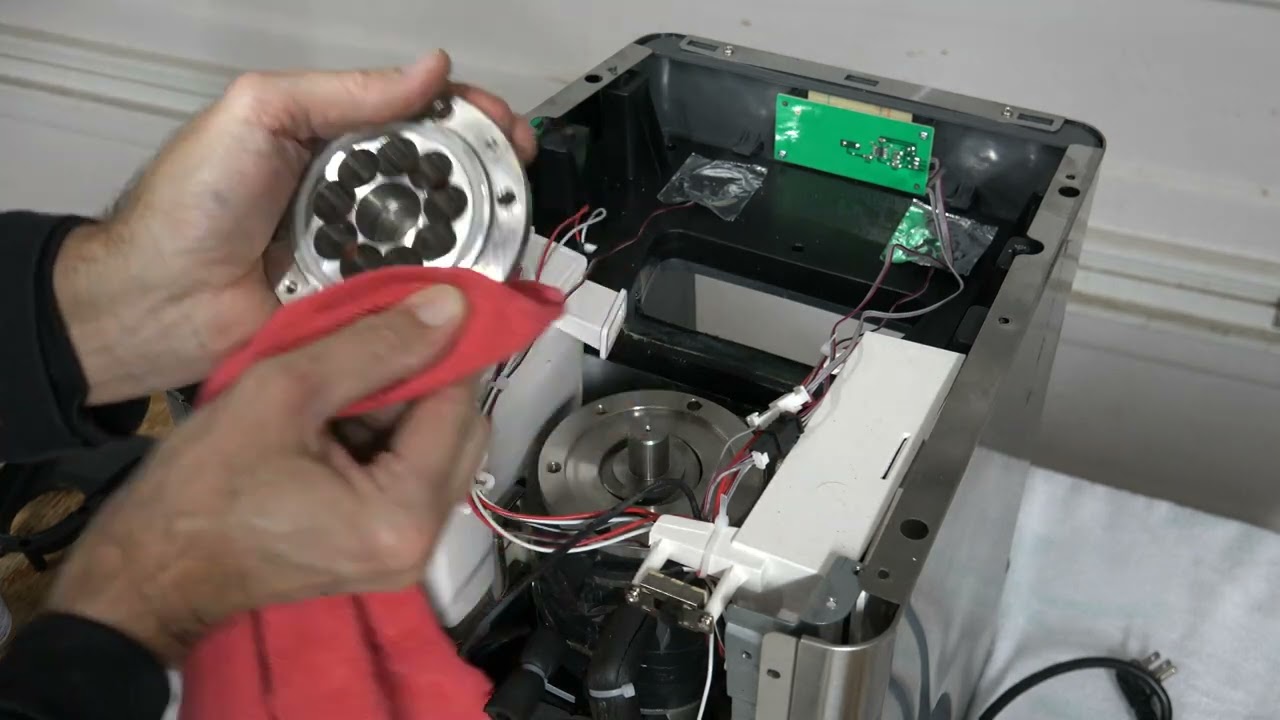
GE Opal ice maker making loud or unusual noises
Some sounds are normal. You may hear the compressor start, water move through the pump, or ice drop into the bin. A brief hum or clicking sound does not always signal a problem.
Pay attention to changes in sound. A loud rattle may mean the machine is not level. A grinding sound may suggest that ice is blocking a moving part. A repeated clicking sound can point to a start problem, though only a trained technician can confirm that diagnosis.
Try these steps:
• Move the unit to a firm, level counter.
• Keep it away from walls and objects that can vibrate.
• Remove loose ice from the chute.
• Check that the bin and reservoir are seated properly.
• Unplug the machine if the noise is harsh, constant, or paired with a burning smell.
Do not continue running a machine that smells hot or electrical. That is not a normal operating sound.

GE Opal ice maker producing soft or poor-quality ice
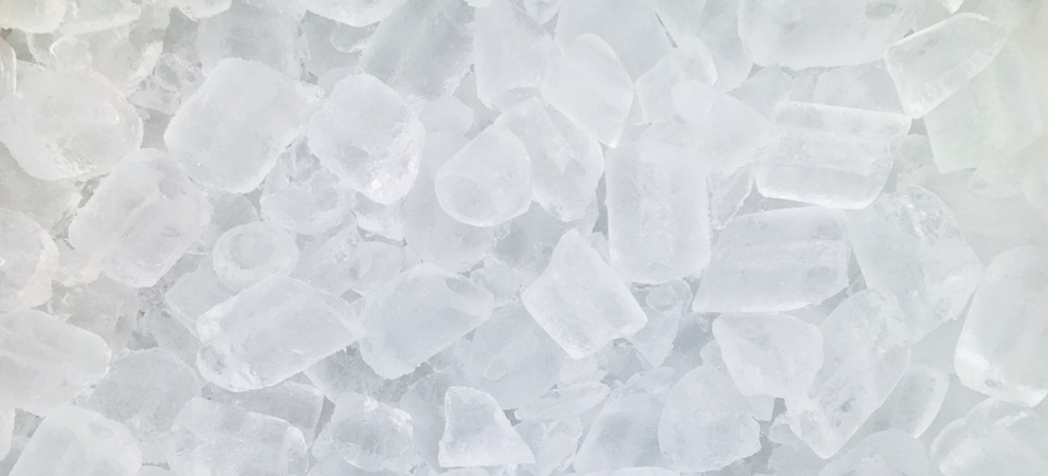
Nugget ice is softer than traditional freezer ice. However, it should still hold its shape and have a clean taste. Very wet, melting, or crumbly ice may result from warm conditions, poor water flow, or a machine that needs cleaning.
Try using filtered water at room temperature. Extremely warm water can slow the first cycle, while very cold water may affect the filling process on some models.
Also check:
• The room temperature
• Water filter condition
• Mineral buildup
• Ice bin temperature
• Whether the bin is exposed to sunlight
The Opal bin is not designed to keep ice frozen like a freezer. Ice may melt slowly in the bin, and that water can return to the system on some models. This is normal. Empty old ice regularly so fresh ice does not mix with stale or melted ice.
Common GE Opal ice maker mistakes to avoid
Good GE Opal ice maker troubleshooting includes knowing what not to do. A few common mistakes can cause damage or make the symptoms harder to understand.
Avoid these actions:
• Do not run the unit without the required water level.
• Do not use sharp tools to remove stuck ice.
• Do not pour boiling water into the reservoir.
• Do not use bleach unless the official instructions approve it.
• Do not block the vents.
• Do not install a filter that does not fit your model.
• Do not open sealed electrical or refrigeration components.
• Do not ignore repeated leaks or electrical smells.
The safest approach is to change one thing at a time. For example, clean the sensor, test the machine, and then check the filter. If you change several parts at once, you may not know what solved the issue.
When to call for GE Opal ice maker repair
Home troubleshooting is useful for cleaning, setup, water flow, and basic resets. It has limits. Stop troubleshooting and seek service when the problem involves sealed refrigeration parts, electrical controls, or internal wiring.
Contact GE support or a qualified appliance technician if:
• The machine will not power on after testing the outlet.
• The compressor never starts.
• The unit repeatedly trips a circuit breaker.
• Water reaches the electrical controls.
• The machine leaks after cleaning and reseating parts.
• A burning smell comes from the unit.
• The same error returns after a reset.
• The ice maker makes a harsh grinding sound.
Keep your model number, purchase date, light pattern, and troubleshooting steps ready. This information can save time during a warranty or repair call.
The owner’s manual remains the best source for model-specific button functions, filter types, and cleaning products. Online advice can help with common symptoms, but it should not replace the manual or professional safety guidance.
A simple GE Opal ice maker maintenance schedule
Regular care prevents many problems. You do not need a complicated routine. A few small habits can keep the machine cleaner and more reliable.
After each use
• Empty old or melted ice when it becomes stale.
• Wipe spills from the counter and machine.
• Keep the ice bin clean and dry when stored.
Each week
• Wash the removable bin and reservoir.
• Check the water level area for residue.
• Wipe the exterior and sensor area.
Each month
• Inspect the filter.
• Look for mineral buildup.
• Run the approved cleaning cycle when needed.
• Check that vents remain clear.
Homes with hard water may need more frequent descaling. If you use the Opal every day, watch the ice taste and cycle speed. These changes often warn you about buildup before the machine stops.
Frequently Asked Questions About GE Opal Ice Maker Troubleshooting
Why is my GE Opal ice maker not making ice?
Check the water level, bin position, filter, ice sensors, and room temperature. If those areas look normal, unplug the machine for 30 seconds and restart it.
How long does a GE Opal ice maker take to make ice?
The first batch often takes longer because the machine must cool down and begin the ice cycle. Room temperature, water temperature, model type, and water flow can all affect the time.
How do I reset my GE Opal ice maker?
Turn it off, unplug it, remove the bin and reservoir, wait about 30 seconds, and reconnect the parts. Some models use a specific reset or cleaning button, so check the manual for the correct process.
Why is my GE Opal ice maker blinking?
A blinking light may indicate a full bin, low water, a blocked sensor, a cleaning need, or another model-specific condition. Check the light guide in your owner’s manual before trying repeated resets.
Can I use vinegar to clean my GE Opal ice maker?
Do not assume vinegar is approved for every model. Use the cleaning method and solution listed in the official instructions, then rinse the system fully before making ice.
Why is my GE Opal ice maker leaking?
A loose reservoir, open drain plug, damaged seal, blocked water path, or uneven surface can cause leaks. Unplug the unit if water is near the cord or electrical controls.
Why does my GE Opal ice maker make loud noises?
Normal sounds include humming, pumping, and ice dropping into the bin. Rattling, grinding, or harsh repeated clicking may indicate an uneven surface, blocked ice, or a mechanical issue.
Conclusion
Most GE Opal ice maker problems have a clear starting point: water flow, cleaning, sensors, temperature, or a simple reset. Check the easy causes first, keep the machine level and clean, and follow the instructions for your exact model.
Do not ignore leaks, electrical smells, repeated errors, or harsh mechanical sounds. Use this guide for safe first steps, then contact GE support or a qualified technician when the problem goes beyond basic care. If these tips helped, share your experience or explore more appliance maintenance guides for practical ways to keep your home equipment running well.