
The GE Profile ice maker blue light usually shows that the ice maker has power or the bin light is on.
A blue light can look like a warning, especially when your GE Profile ice maker stops making ice or the light stays on at night. In most cases, the light is normal, but its meaning depends on the exact model, control panel, and operating state. This guide explains what the GE Profile ice maker blue light means, when it signals a problem, and how to troubleshoot it safely.
What the GE Profile ice maker blue light means
The GE Profile ice maker blue light is usually an indicator light, not an error code. It may show that the unit has power, that the ice bin light is active, or that the appliance is in a normal ice-making mode.
GE Profile makes several ice appliances, including built-in refrigerator ice makers and Opal nugget ice makers. Their light patterns are not always the same. A blue light on one model may simply brighten the ice bin, while another model may use a light to show a selected function.
Look at what the ice maker is doing while the light is on:
- If the unit makes ice normally, the blue light is likely normal.
- If the light appears with a full ice bin, ice production may have paused.
- If the light flashes with beeps or a warning symbol, the appliance may need attention.
- If the light turns on after pressing a control, you may have activated the bin light or display feature.
- If the light remains on while the unit is unplugged from its main controls, the light assembly may have a fault.
The light itself does not prove that the ice maker is broken. Ice production, water flow, temperature, and sensor readings matter more than the color alone.
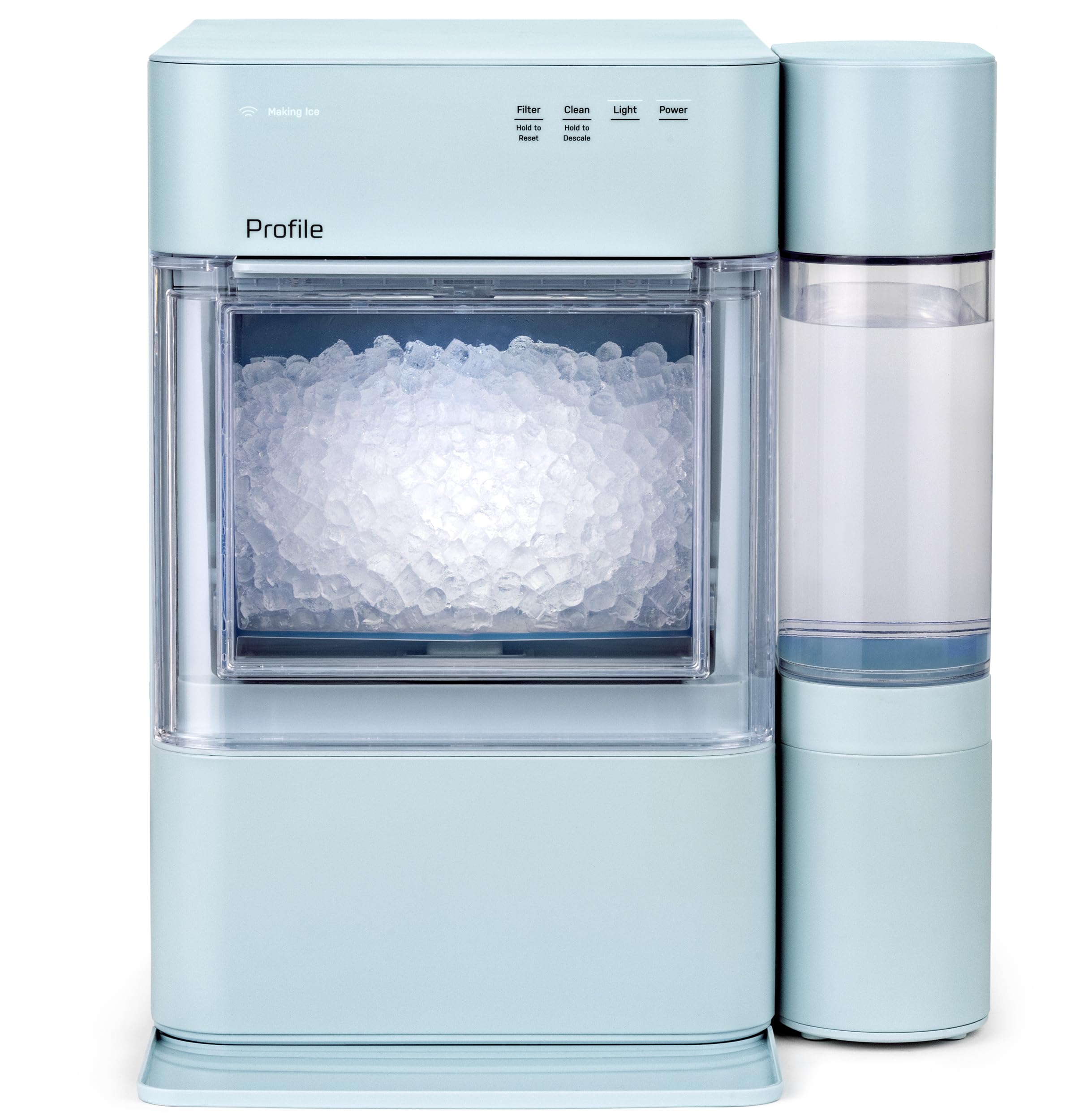
Why your GE Profile ice maker blue light stays on
A steady blue light often has a simple cause. Many GE Profile units use interior LEDs to help you see the ice level. The light may remain on for a short time after you open the door, touch the controls, or use the ice maker.
Common reasons include:
The ice bin light is active
Some models have a light button or setting that illuminates the ice bucket. This helps you see the ice at night and can stay on until you press the button again.
Try pressing the light control once. If the blue light turns off and the ice maker continues to work, there is likely no fault.
The appliance has power
On some GE Profile ice makers, a blue indicator confirms that the unit is powered on. It does not necessarily mean that the compressor or auger is running at that moment.
Ice makers work in cycles. The unit may pause while it checks the water level, cools the evaporator, or waits for the bin sensor.
The ice bin is full
A full ice bin can stop production. The ice maker may keep its blue light on even though it is not actively making ice.
Remove the bin and spread the ice evenly. Make sure no cubes are blocking the sensor area. Some models use an infrared or mechanical level sensor, so a single mound of ice can make the machine think the bin is full.
The unit is in a normal pause
A GE Profile ice maker may pause during startup, cleaning, defrosting, or temperature recovery. For example, adding warm water or opening the lid often can delay production.
Give the unit time to complete its cycle before assuming the GE Profile ice maker blue light indicates a fault.
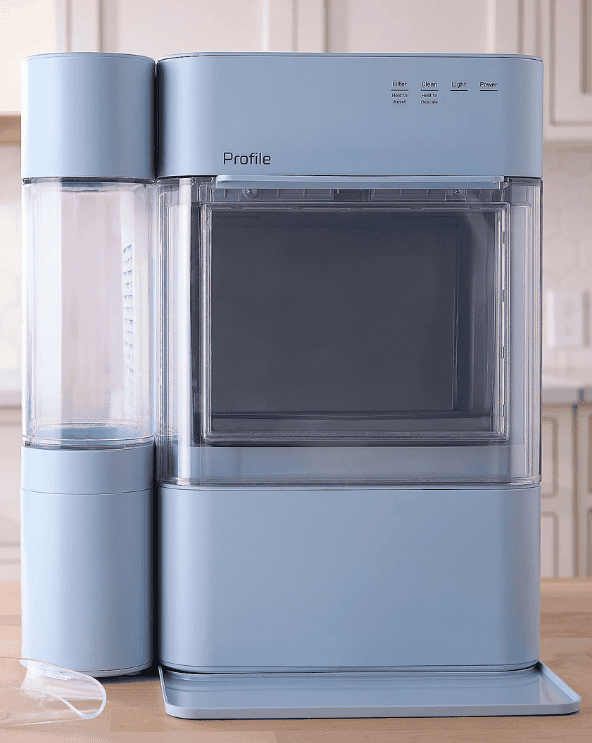
Is the GE Profile ice maker blue light normal?
In many cases, yes. A steady blue light with normal ice production is usually harmless. The best test is to check whether the unit makes ice, responds to controls, and keeps the bin cold.
A blue light deserves more attention when it appears with other symptoms, such as:
- No ice after several hours
- A flashing light
- Repeated beeps
- Water leaking from the appliance
- A warm ice bin
- A blocked auger
- A clean or service message
- A burning smell or unusual electrical noise
A light color alone is not enough to diagnose the appliance. GE recommends checking the owner’s manual for the specific model because indicator meanings can vary between appliances.
One practical lesson is easy to miss: many people focus on the light and overlook the ice level. During appliance troubleshooting, I always suggest checking the ice bin, water supply, and temperature first. These basic checks often solve the issue faster than resetting the machine.
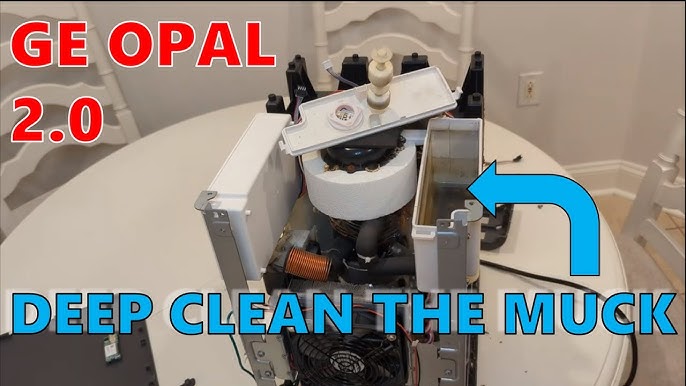
GE Profile ice maker blue light troubleshooting steps
Use these steps in order. They begin with simple checks and move toward more involved solutions.
1. Check the power
Make sure the ice maker is plugged into a working outlet. If it connects to a refrigerator, confirm that the refrigerator has power and that its controls are not set to Off.
Avoid using a loose extension cord. Ice makers use a compressor and need a stable power supply.
2. Check the control setting
Look for an Ice, Light, Power, or Reset button. Some models use a touch panel, while others use a physical switch.
Press the light control once, then wait a few seconds. Do not repeatedly press every button, because this can change the operating mode or start a cleaning cycle.
3. Inspect the ice bin
Remove the ice bin if your model allows it. Check for:
- Ice clumps
- Frozen cubes near the outlet
- A bin that is not seated correctly
- Ice blocking the sensor
- A cracked or damaged container
Never force the bin. If it does not slide out easily, consult the manual for the correct release method.
4. Check the water supply
For a refrigerator ice maker, confirm that the water valve is open and the supply line is not kinked. Replace a clogged water filter if the refrigerator displays a filter warning or water flow is weak.
For an Opal-style countertop ice maker, use clean potable water and keep the reservoir filled to the correct level. Do not overfill it.
5. Check the temperature
A refrigerator ice maker needs a cold freezer compartment. A countertop nugget ice maker also needs time to cool its internal system.
Keep the appliance away from ovens, direct sunlight, and hot cabinets. Room temperature, ventilation, and airflow can affect ice production.
6. Restart the appliance
Turn the ice maker off. Unplug it for about one minute, then reconnect it and turn it on again.
A restart can clear a temporary control error. It will not repair a failed sensor, water valve, fan, compressor, or LED board.
7. Run the correct cleaning cycle
Mineral deposits can affect water flow and ice quality. Use the cleaning method and approved solution listed in your GE Profile manual.
Do not pour bleach, vinegar, or another cleaner into the appliance unless the manual specifically allows it. The wrong product can damage seals, leave unsafe residue, or void warranty coverage.
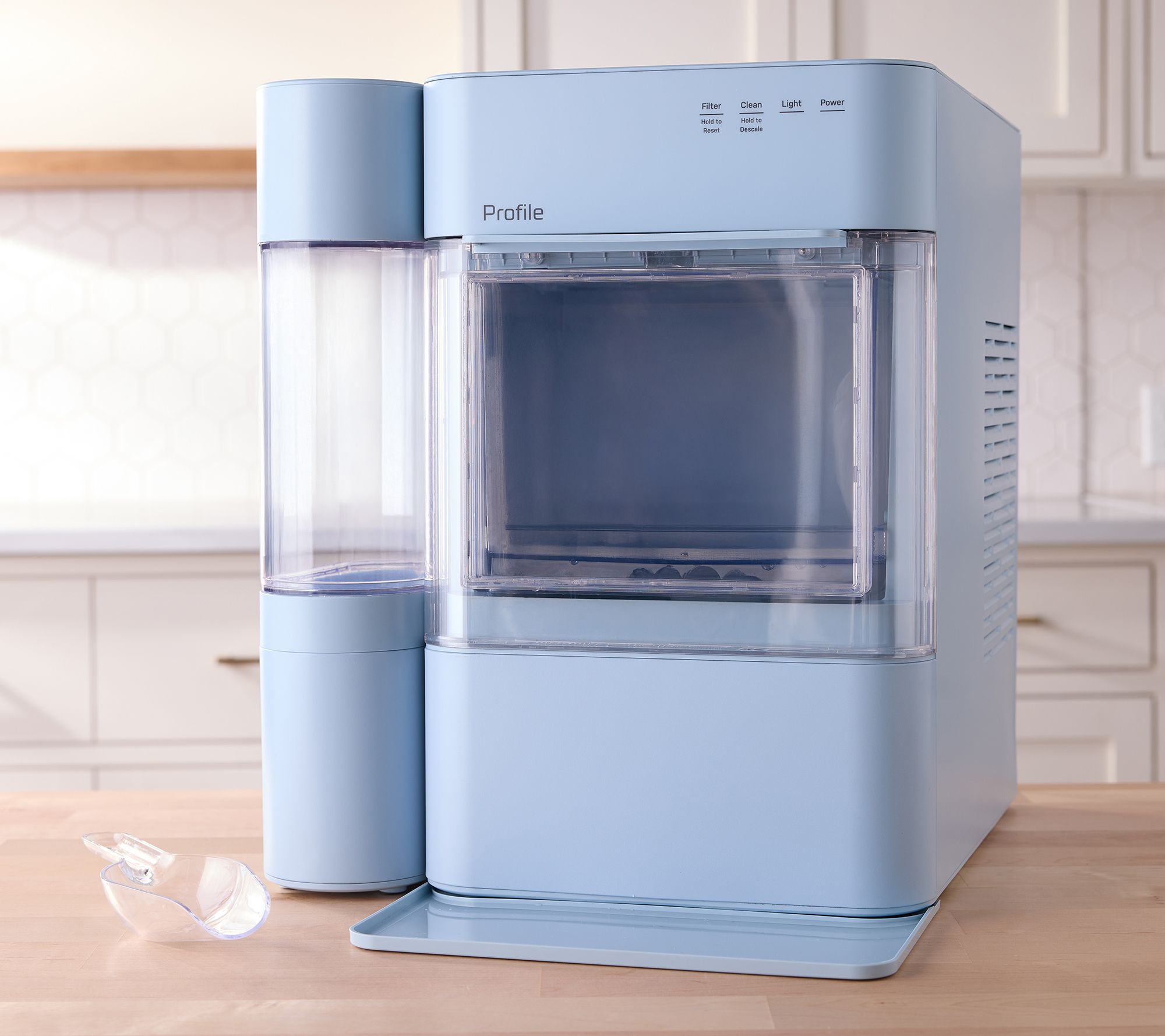
GE Profile ice maker blue light but no ice
When the blue light is on but no ice appears, start with the easiest causes. Confirm that the ice-making function is enabled, the bin is installed, and the reservoir or water line has water.
A new or recently moved unit may need several hours to begin making ice. Countertop units also need time for the water system and cooling parts to reach normal conditions.
If you hear the appliance running but see no ice, consider these possibilities:
- The water reservoir is empty.
- The water filter is restricted.
- The inlet valve is closed.
- The ice bin sensor thinks the bin is full.
- The evaporator is too warm.
- The water line is frozen.
- The auger or ice chute is blocked.
- The pump, fan, or compressor has a fault.
Do not remove sealed panels to inspect refrigerant parts. A trained appliance technician should handle refrigerant systems, electrical boards, and compressor repairs.
A useful test is to leave the unit undisturbed for several hours after a reset. Opening the lid often, moving the bin, or adding warm water can delay the cycle and make the problem seem worse.

Flashing blue light on a GE Profile ice maker
A flashing blue light has more possible meanings than a steady light. It may indicate a control input, a temporary pause, a full-bin condition, or a service alert.
The pattern matters:
- Slow flashing may show a normal operating mode.
- Fast flashing may indicate a fault or blocked condition.
- Flashing with a beep may require a reset.
- Flashing after cleaning may mean the cycle is still active.
- Flashing with no cooling or water flow may point to a mechanical issue.
Because GE Profile models use different control systems, do not rely on a color chart from another model. Find the model and serial label, then use the manual for that exact appliance.
If the manual does not explain the flashing light, record a short video of the light pattern. Note whether the unit makes noise, dispenses water, or produces ice. This information can help GE support or an appliance technician diagnose the problem more quickly.

How to turn off the GE Profile ice maker blue light
The method depends on the model, but these options commonly work:
- Press the Light button once.
- Open and close the refrigerator door.
- Turn off the ice-maker light setting in the control panel.
- Turn the ice maker off, wait one minute, and turn it back on.
- Unplug the appliance briefly if the manual permits a reset.
Do not cover the blue light with tape or paper. Blocking a sensor or vent can cause another problem, and some LEDs are part of the control display.
If the light stays on after the appliance is unplugged, switch off the circuit only if you can do so safely. Contact service if the light remains on, smells hot, or shows signs of melted plastic.
Cleaning and maintenance tips
Regular care helps prevent problems that may be mistaken for a light error. Clean the ice bin and removable parts as directed by GE. Dry the bin fully before reinstalling it.
Helpful habits include:
- Keep the ice bin free of old, stuck cubes.
- Replace the water filter on the recommended schedule.
- Use fresh drinking water.
- Keep air vents clear.
- Do not place the appliance beside a heat source.
- Clean mineral buildup according to the manual.
- Avoid overfilling the water reservoir.
- Check the door or lid seal for gaps.
Ice can absorb odors from nearby foods. If the ice smells odd, clean the bin and water system before assuming the blue light is the cause.
For refrigerator models, keep the freezer near the temperature recommended in the owner’s guide. A freezer that is too warm can reduce ice production, while very cold conditions may contribute to frozen water lines or sensor problems.
When to call for GE appliance service
Call for professional help if the blue light is accompanied by electrical, cooling, or water problems. Stop using the appliance if you notice smoke, a burning odor, exposed wires, or repeated tripped breakers.
Service is also sensible when:
- The unit does not make ice after basic checks.
- The light flashes continuously.
- The ice maker leaks.
- The compressor runs constantly.
- The bin does not stay cold.
- The water valve makes a loud buzz but does not fill.
- A reset works only for a short time.
- The appliance displays a service code.
Have the model number, serial number, purchase date, and light pattern ready. A technician may need to test the water valve, thermistor, fan, control board, motor, or sensor.
Warranty coverage can depend on the appliance age and the failed part. Avoid opening sealed refrigeration components or replacing a control board without confirming the diagnosis.
Common mistakes to avoid
A blue light often leads people to try too many fixes at once. That can hide the original cause and create a second problem.
Avoid these mistakes:
- Do not assume every blue light means an error.
- Do not use a random online reset sequence.
- Do not chip ice with a knife or sharp tool.
- Do not pour unapproved chemicals into the water system.
- Do not block vents with food or decorations.
- Do not keep restarting the appliance every few minutes.
- Do not ignore a burning smell or electrical noise.
- Do not order expensive parts before checking the manual.
The safest approach is simple: identify the exact model, observe the light pattern, check water and ice conditions, then follow the manufacturer’s instructions.
Frequently Asked Questions About GE Profile Ice Maker Blue Light
What does the blue light mean on a GE Profile ice maker?
It usually means the appliance has power, the ice bin light is active, or the unit is in a normal operating mode. The exact meaning depends on the model and whether the light is steady or flashing.
Is the GE Profile ice maker blue light an error code?
Usually, a steady blue light is not an error code by itself. Treat it as a possible warning only when it appears with flashing, beeping, no ice, poor cooling, or a message on the control panel.
Why is my GE Profile ice maker blue light on but not making ice?
Check the power, ice-making setting, bin position, water supply, filter, and temperature. If the appliance still makes no ice after a proper reset and several hours, the water valve, sensor, fan, or cooling system may need service.
How do I turn off the blue light on my GE Profile ice maker?
Press the Light button or turn off the light setting on the control panel. If your model has no light control, check the owner’s manual before attempting a reset.
Why is the GE Profile ice maker blue light flashing?
A flashing light can indicate a normal cycle, a full bin, a cleaning mode, or a fault. Check the model-specific manual and note whether the light flashes slowly, quickly, or with beeps.
Can I use the ice maker while the blue light is on?
Yes, if the unit is making ice normally and there are no warning signs. A steady blue light does not usually make the ice unsafe or damage the appliance.
Should I unplug my GE Profile ice maker if the blue light stays on?
You can try a brief power reset if the manual supports it and there are no signs of electrical damage. Unplug the unit and seek service if you smell burning, see melted plastic, or notice repeated breaker trips.
Conclusion
The GE Profile ice maker blue light is often a normal power, status, or bin-light indicator. A steady light with normal ice production usually needs no repair, while a flashing light combined with poor cooling, no water, or no ice deserves closer attention.
Start with the model manual, power, settings, ice bin, water supply, and temperature. Use approved cleaning steps, avoid sharp tools and unapproved chemicals, and call a qualified technician for electrical or sealed-system faults. If this guide helped, save it for the next ice-maker issue and share your model and light pattern in the comments.