
To reset a GE Opal ice maker, unplug it, wait one minute, reconnect it, and run a fresh ice-making cycle.
A GE Opal ice maker reset can clear small control errors, restore normal ice production, and help after a power outage. The exact process can vary between Opal 1.0, Opal 2.0, and models with a side tank or Wi-Fi, so this guide covers the safest steps, common warning lights, cleaning needs, and signs of a larger fault.
Before You Reset a GE Opal Ice Maker
Before you reset a GE Opal ice maker, check the simple things first. A reset may not fix an empty water reservoir, a blocked ice chute, poor airflow, or a unit that needs cleaning.
Place the ice maker on a firm, level counter. Keep space around the sides and back so warm air can escape. GE advises using clean, potable water and following the care steps in the manual for your exact model.
Look for these basic issues:
• Make sure the power cord is firmly connected.
• Check that the water reservoir has enough water.
• Confirm that the ice bin is seated correctly.
• Remove ice that may be stuck around the bin or chute.
• Make sure the drain plug is closed during normal use.
• Keep the unit away from a hot stove, oven, or direct sunlight.
A reset works like restarting a computer. It clears temporary control errors, but it cannot repair a failed pump, sensor, fan, or control board.
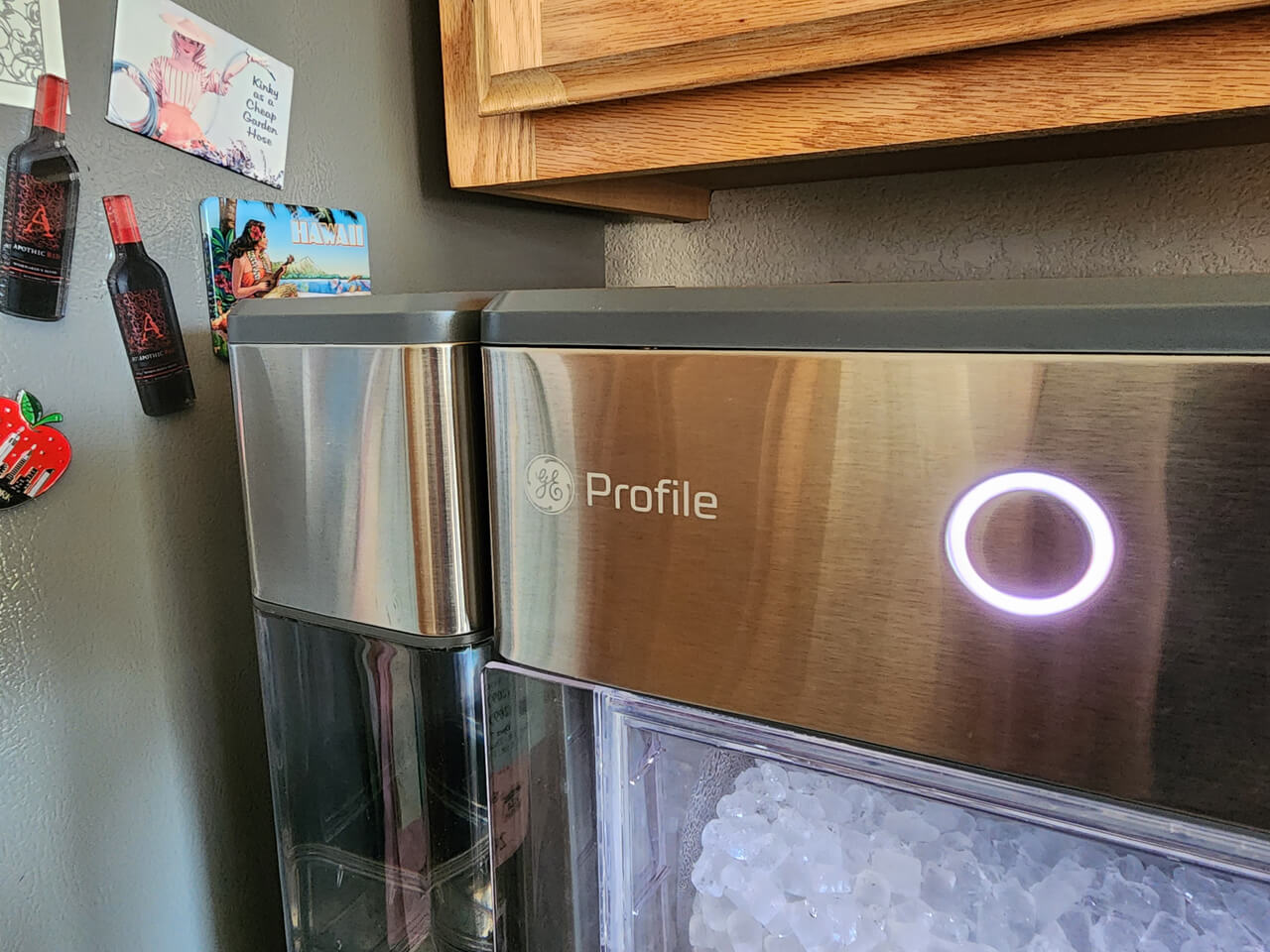
How to Reset a GE Opal Ice Maker
The safest general method to reset a GE Opal ice maker is a full power cycle. This process applies to many GE Profile Opal models, including several Opal 1.0 and Opal 2.0 units.
-
Turn the ice maker off using the power button.
-
Unplug the power cord from the wall outlet.
-
Wait at least one minute. Waiting three to five minutes is also helpful if the unit stopped during a cycle.
-
While the unit is unplugged, remove the ice bin and check for loose or stuck ice.
-
Reconnect the power cord directly to a working wall outlet.
-
Turn the ice maker on.
-
Add fresh water if the reservoir is low.
-
Allow several minutes for the unit to begin making or circulating water.
Do not repeatedly unplug and plug in the appliance within a few seconds. The compressor needs time to equalize pressure. A short pause also gives the electronic controls time to shut down fully.
If you want to reset a GE Opal ice maker after a power outage, use the same process. After the reset, the first batch may take longer than usual because the system must cool down before it forms clear nugget ice.
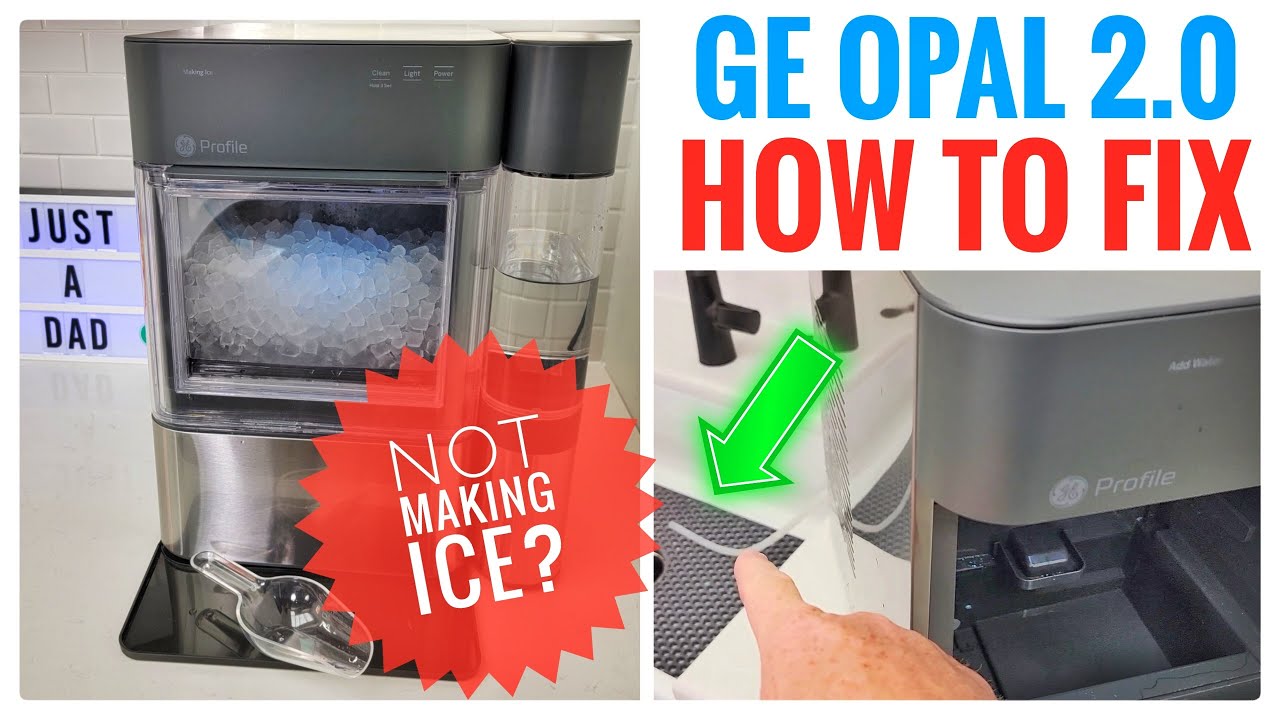
How to Reset a GE Opal 2.0 Ice Maker
To reset a GE Opal 2.0 ice maker, start with the standard power cycle. Press the power button to turn the unit off, unplug it, wait at least one minute, and plug it back in.
Some Opal 2.0 models have a display, side water tank, Bluetooth, or Wi-Fi features. These parts can make the reset process look different, but a power cycle is still the best first step for a frozen display or temporary control issue.
After the unit restarts, check the following:
• The display turns on normally.
• The water level is high enough.
• The side tank is connected correctly, if your model includes one.
• The ice bin is fully inserted.
• The unit begins a normal cooling or ice-making cycle.
If the problem is only with the mobile app or Wi-Fi connection, a power reset may not be enough. You may need to remove the appliance from the app and pair it again. Use the instructions shown in the GE Profile app because Wi-Fi reset steps can differ by model and software version.
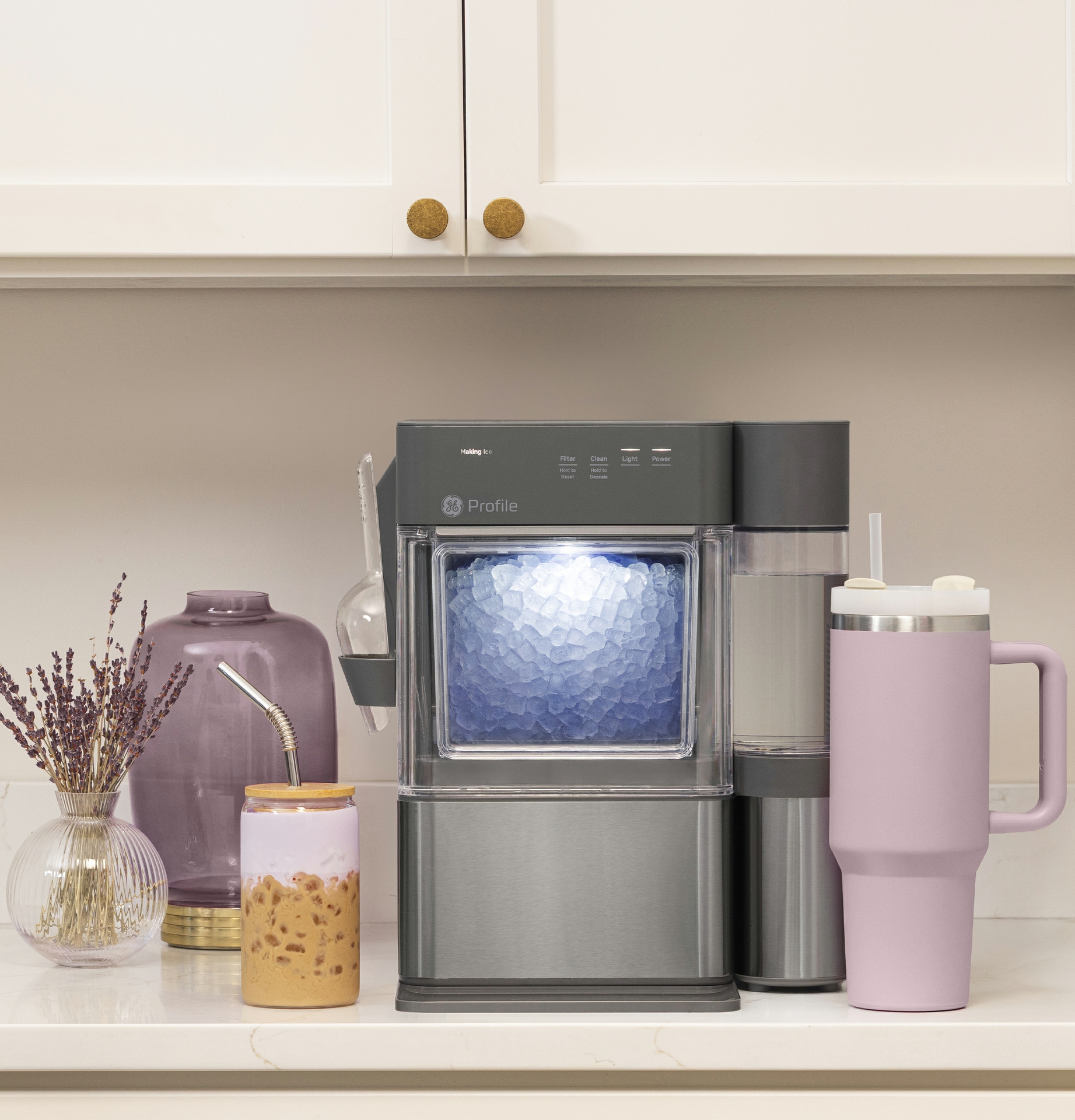
How to Reset a GE Opal 1.0 Ice Maker
To reset a GE Opal 1.0 ice maker, turn it off, unplug it, wait one minute, and reconnect it. Then press the power button and allow the machine time to restart.
Older Opal models may have fewer display signals than newer units. Instead of showing an error code, the machine may flash a light, stop pumping water, or remain quiet. A complete power cycle often clears a temporary sensor or control glitch.
If the ice maker still does not work, inspect the water system. Remove the ice bin and look for ice around the evaporator, water tube, and auger area. Never use a knife or metal tool to break ice loose. A plastic utensil or a soft towel is safer.
When I troubleshoot this type of problem, I start with the power cycle and then check water flow. Many “reset” problems are really caused by mineral buildup or a low water level. This simple order prevents unnecessary part replacement.

How to Reset the Clean Light on a GE Opal Ice Maker
A clean light usually means the appliance needs a cleaning cycle, not just a power reset. If the clean indicator remains on after you reset a GE Opal ice maker, follow the cleaning instructions for your model.
A typical cleaning process includes these steps:
-
Remove the ice bin and empty any remaining ice.
-
Drain the water from the reservoir.
-
Add the recommended cleaning solution or a mixture listed in the owner’s manual.
-
Start the cleaning cycle using the Clean button or the control shown for your model.
-
Let the cycle finish.
-
Drain the cleaning liquid.
-
Rinse the reservoir with clean water.
-
Run one or more rinse cycles before making ice.
Do not mix cleaning products. Avoid bleach unless the official manual specifically allows it. Cleaning chemicals left inside the water path can affect taste and may damage internal parts.
After cleaning, reset a GE Opal ice maker by unplugging it for one minute. Then refill it with fresh water and start a new ice cycle. If the clean light remains on, the sensor may still detect buildup, or the model may require a specific button sequence.
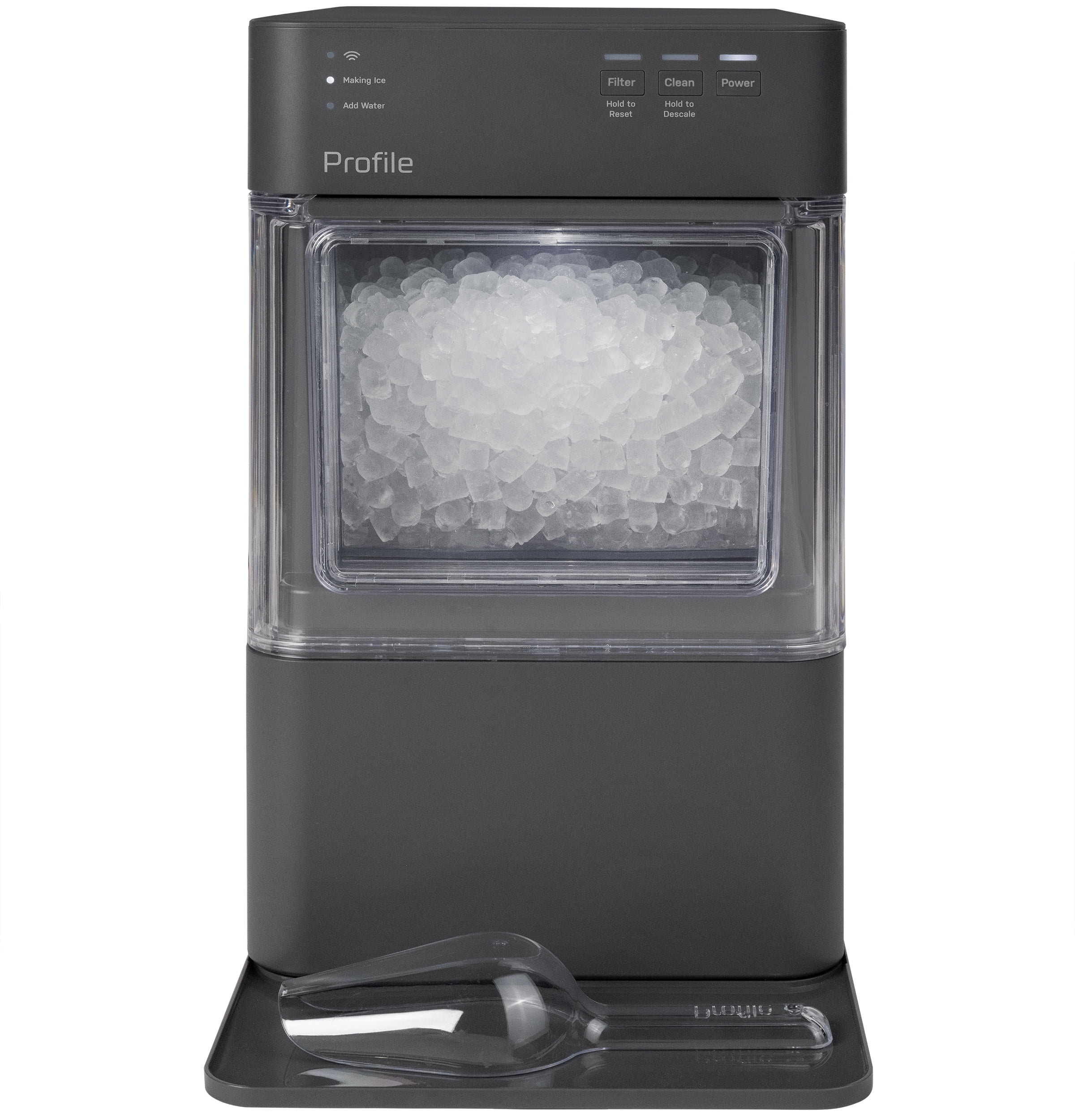
How to Reset a GE Opal Ice Maker That Is Not Making Ice
If a GE Opal ice maker is on but not making ice, first confirm that it has enough water and proper airflow. The unit must cool the internal evaporator before it can form nugget ice.
Use this troubleshooting order:
• Check the water reservoir and add fresh water.
• Make sure the ice bin is not full.
• Remove any ice blocking the chute or auger.
• Confirm that the unit is not sitting in direct heat.
• Listen for the fan, pump, or compressor.
• Turn the appliance off and unplug it.
• Wait at least one minute.
• Plug it in and start a new cycle.
A GE Opal ice maker may need several minutes to begin producing ice. The first batch can take longer if the room is warm or the unit has just been moved. Do not expect instant ice immediately after you reset a GE Opal ice maker.
If the appliance makes a clicking sound but does not cool, the issue may involve the compressor or control system. If the pump runs but no water moves, mineral deposits may be blocking the water path. These problems usually need cleaning or professional service rather than another reset.
How to Reset a GE Opal Ice Maker After a Power Outage
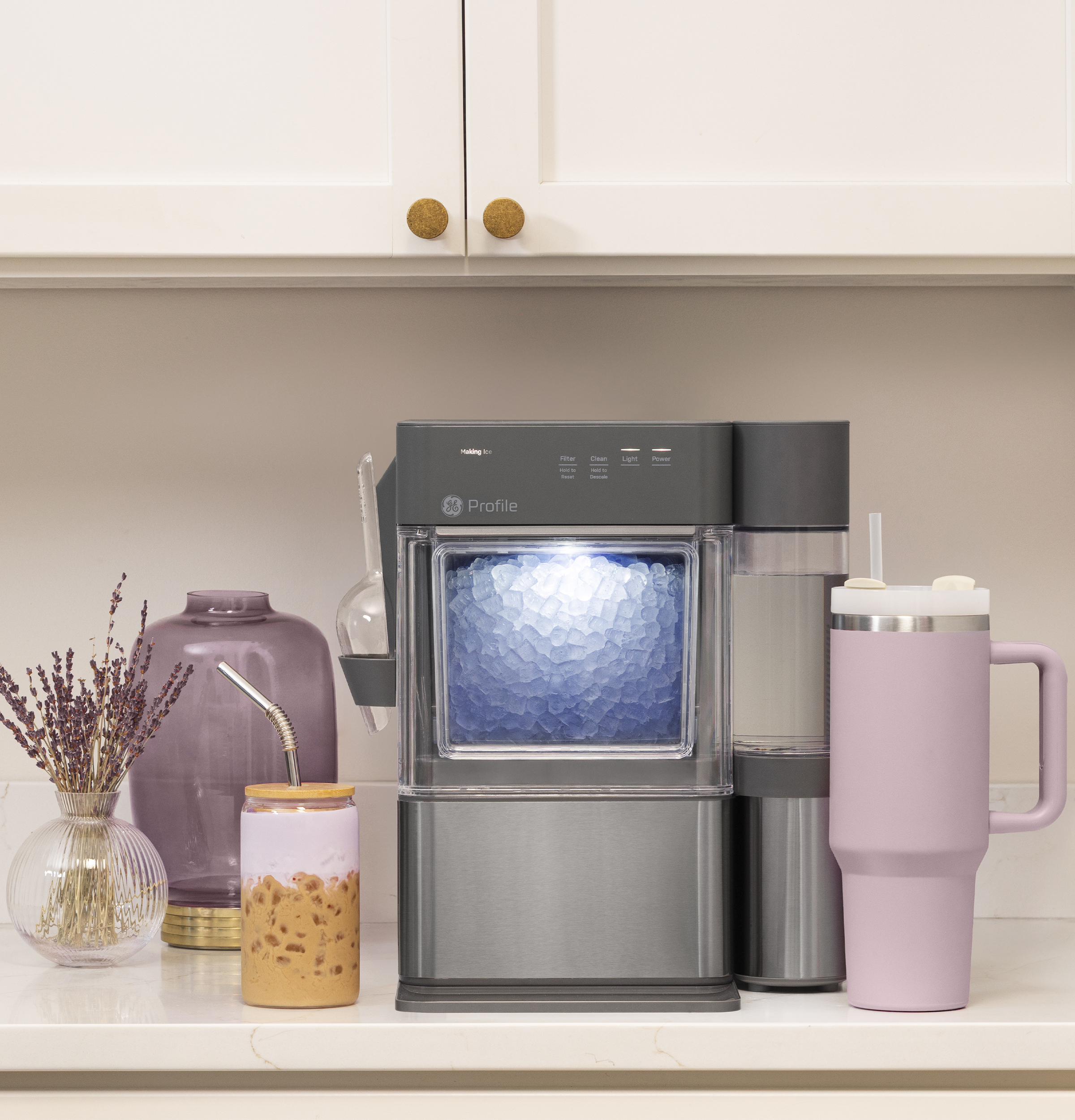
A power outage can leave the controls in an unfinished cycle. To reset a GE Opal ice maker after an outage, unplug it from the wall outlet and wait at least one minute.
Reconnect the ice maker when power is stable. Turn it on and check the water level, ice bin, and indicator lights. If the outlet has a reset button, press it only after confirming that the outlet is safe and working.
Avoid using an extension cord when possible. A direct connection to a properly grounded wall outlet gives the compressor a more stable power supply.
After a power interruption, the appliance may need extra time to cool. Give it one complete cycle before deciding that the reset failed. Resetting it several times in a row will not make ice faster.
How to Reset the Wi-Fi on a GE Opal 2.0
A Wi-Fi reset is different from a full appliance reset. A power cycle can restart the ice maker, but it may not erase saved network information.
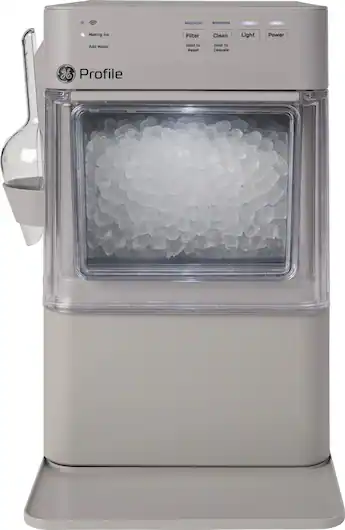
For a GE Opal 2.0 with Wi-Fi, open the GE Profile app and check the appliance settings first. Look for options such as network setup, remove appliance, or reconnect Wi-Fi. The names may change as the app is updated.
If the app cannot find the ice maker:
-
Confirm that your phone is connected to the home Wi-Fi network.
-
Move the phone closer to the ice maker and router.
-
Close and reopen the app.
-
Restart the ice maker.
-
Follow the model-specific Wi-Fi pairing steps in the app.
-
Reconnect the appliance if the network name or password changed.
Some models use a button or button combination to clear Wi-Fi settings. Because this sequence varies, check the label, owner’s manual, or official support instructions before holding buttons for a long time. A Wi-Fi reset should not be confused with a factory reset of the entire ice maker.
Why a GE Opal Ice Maker Needs a Reset
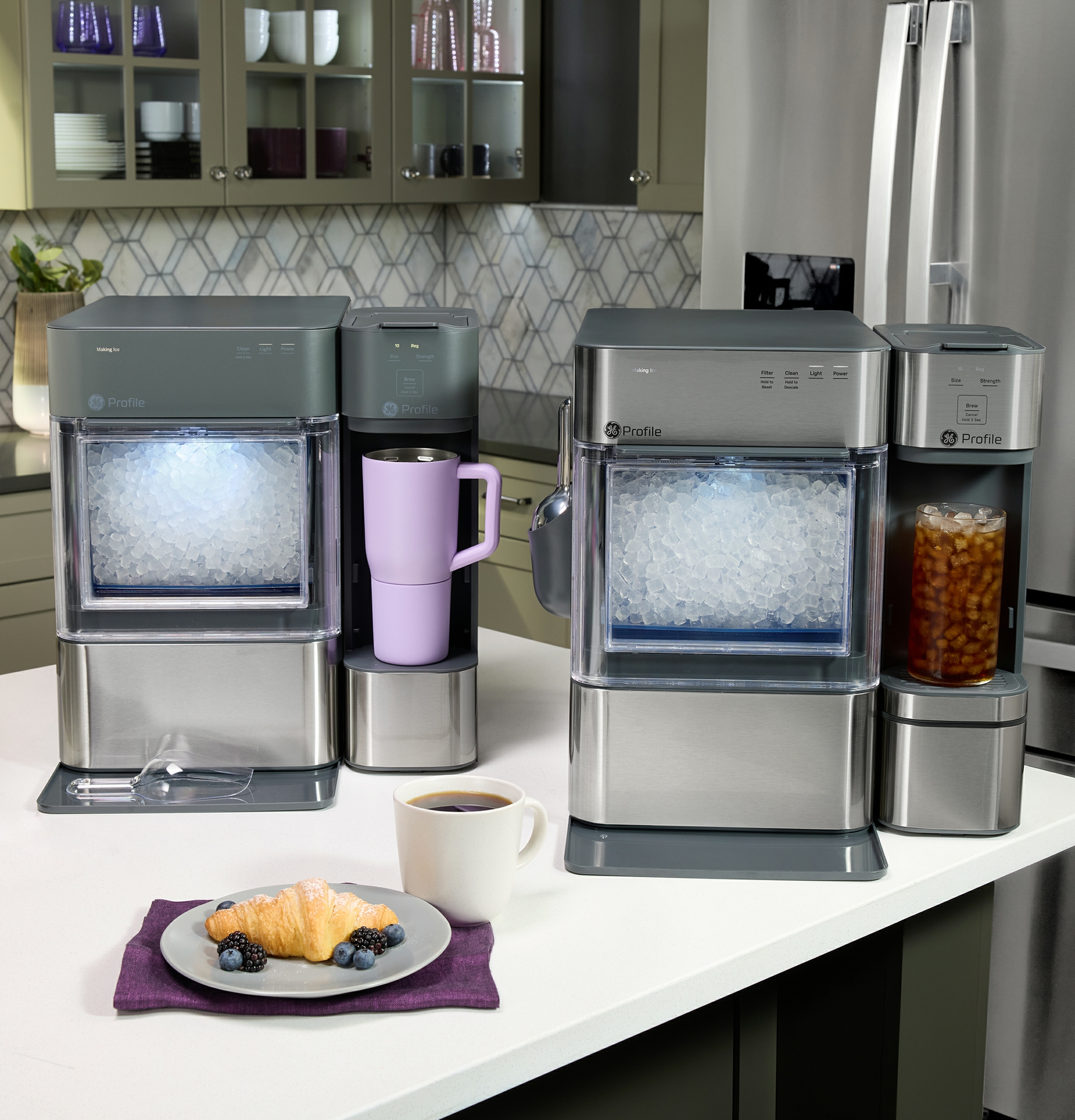
A reset can help when the electronic controls receive an incomplete signal. For example, a brief outage may interrupt a cooling cycle, or a sensor may temporarily report that the bin is full.
Common reasons to reset a GE Opal ice maker include:
• The display is frozen.
• The unit stopped after a power flicker.
• The ice maker does not respond to the power button.
• The pump or fan runs at the wrong time.
• The appliance shows an unusual light pattern.
• The unit stopped after the ice bin was removed.
• The machine does not restart after adding water.
A reset is useful because it returns the control system to a fresh start. Still, it is not a cure for every issue. A reset cannot remove scale, replace a broken part, or restore a damaged power cord.
Mistakes to Avoid When You Reset a GE Opal Ice Maker
The most common mistake is turning the unit off and on without removing power. Pressing the power button may place the appliance in standby, while unplugging it gives the control board a full restart.
Avoid these errors:
• Do not use a sharp tool to chip away stuck ice.
• Do not pour very hot water into the reservoir.
• Do not run the unit without water.
• Do not block the ventilation openings.
• Do not use harsh chemicals without checking the manual.
• Do not move the appliance while water or ice is inside.
• Do not keep resetting the unit when it shows the same fault.
One mistake I often see is blaming the reset when the real problem is scale. Hard water can leave mineral deposits in the water path. If your home has hard water, regular cleaning may help more than repeated resets.
When a GE Opal Ice Maker Reset Does Not Work
If you reset a GE Opal ice maker and it still fails, observe what happens next. The sound, light, and water behavior can help identify the problem.
Contact GE support or a qualified appliance technician if:
• The unit has no power from a confirmed working outlet.
• The cord or plug is damaged.
• The compressor clicks repeatedly but does not start.
• Water leaks from the base.
• The appliance becomes unusually hot.
• A warning light returns after cleaning and resetting.
• The fan does not run, or the unit overheats.
• The machine makes no ice after several hours.
Before contacting support, record the model number and describe the steps you tried. Take a photo or short video of flashing lights or unusual sounds. This information can make service faster and more accurate.
Do not open the sealed refrigeration system yourself. Refrigerant and compressor repairs require trained service personnel and the correct equipment.
Tips to Keep Your GE Opal Ice Maker Working Well
Good care reduces the need to reset a GE Opal ice maker. Use fresh water, clean the reservoir often, and empty old ice when it develops an odor or unusual taste.
Follow these maintenance habits:
• Clean the water system as recommended in the manual.
• Rinse away all cleaning solution.
• Wipe the ice bin with a soft, clean cloth.
• Keep the outside vents free of dust.
• Use the appliance indoors in a moderate room temperature.
• Leave space around the unit for airflow.
• Remove ice that has clumped around the auger.
• Store the appliance dry if you will not use it for an extended time.
Nugget ice melts and refreezes more quickly than solid cubes. That can create clumps in the bin. Emptying and rinsing the bin from time to time helps the auger move smoothly.
Frequently Asked Questions About How to Reset a GE Opal Ice Maker
How long should I unplug my GE Opal ice maker to reset it?
Unplug the ice maker for at least one minute before reconnecting it. Waiting three to five minutes can help after a power outage or stalled cooling cycle.
Why is my GE Opal ice maker still not making ice after a reset?
Check the water level, ice bin, airflow, and possible ice blockage. If the unit still does not make ice after a full cycle, it may need cleaning or professional service.
Can I reset a GE Opal ice maker by holding the power button?
Some models respond to a long press, but the safest general method is to turn the unit off, unplug it, wait one minute, and reconnect it. Button functions vary by model, so check the owner’s manual for special commands.
How do I reset the clean light on a GE Opal ice maker?
The clean light usually requires a complete cleaning cycle rather than a basic power reset. Clean and rinse the water system as directed, then unplug the appliance for one minute and restart it.
Will resetting a GE Opal ice maker erase Wi-Fi settings?
A normal power cycle usually does not erase saved Wi-Fi information. Network settings may require a separate reset through the GE Profile app or the model-specific Wi-Fi controls.
How long does a GE Opal ice maker take to make ice after resetting?
The first batch may take several minutes or longer, depending on room temperature, water temperature, and the model. Allow a full cycle before deciding that the reset did not work.
Conclusion
To reset a GE Opal ice maker, turn it off, unplug it, wait at least one minute, and reconnect it. Then check the water level, ice bin, airflow, and warning lights before starting a new cycle.
If the problem returns, clean the water system and inspect the appliance for blocked ice or poor airflow. When a reset, cleaning cycle, and basic checks do not help, contact GE support or a qualified technician instead of repeatedly restarting the unit.
Keep your model manual nearby, follow its button instructions, and share this guide with anyone who enjoys fresh nugget ice at home.